SpriteLoop
A downloadable tool for Windows, macOS, and Linux

SpriteLoop
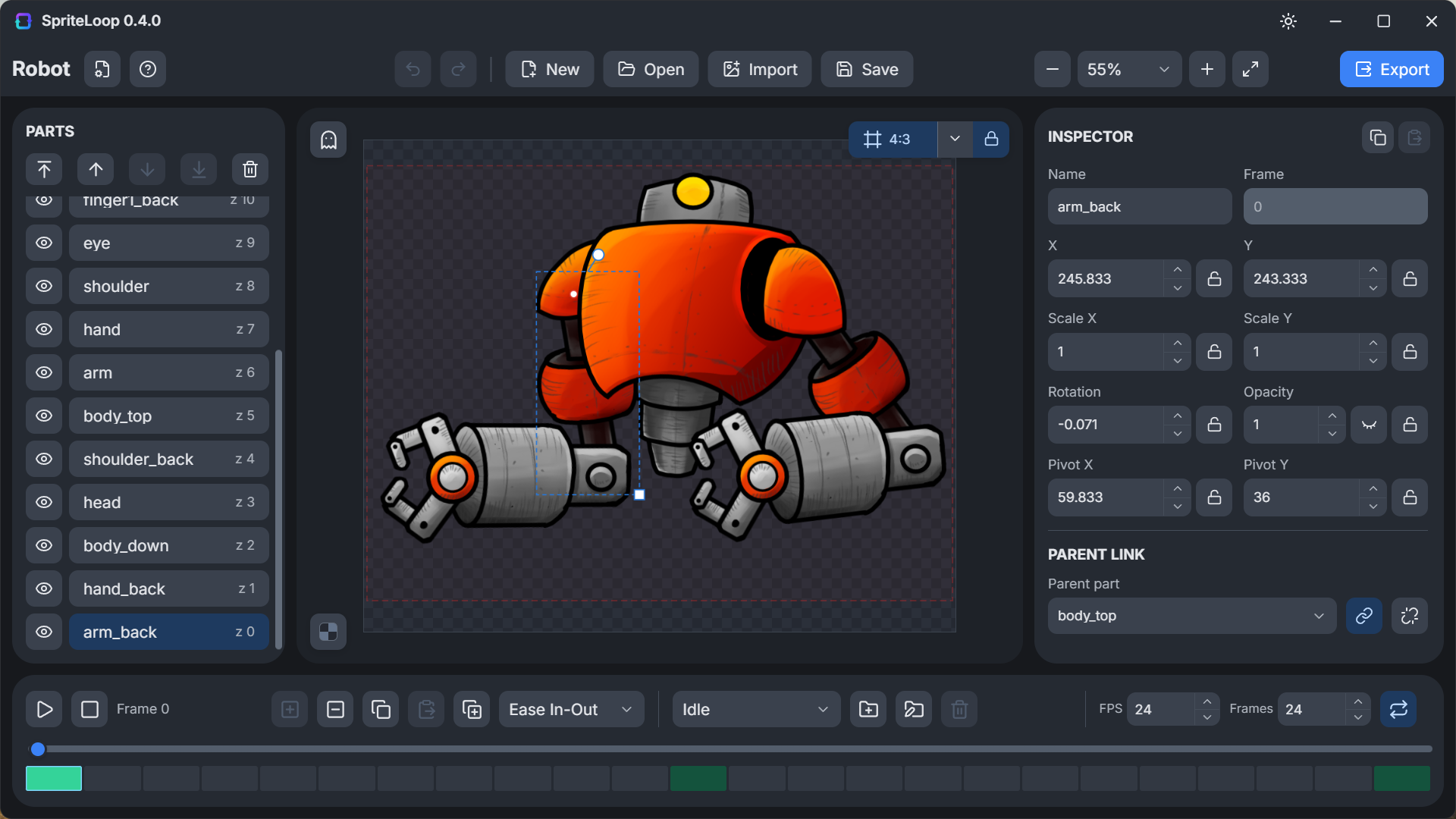
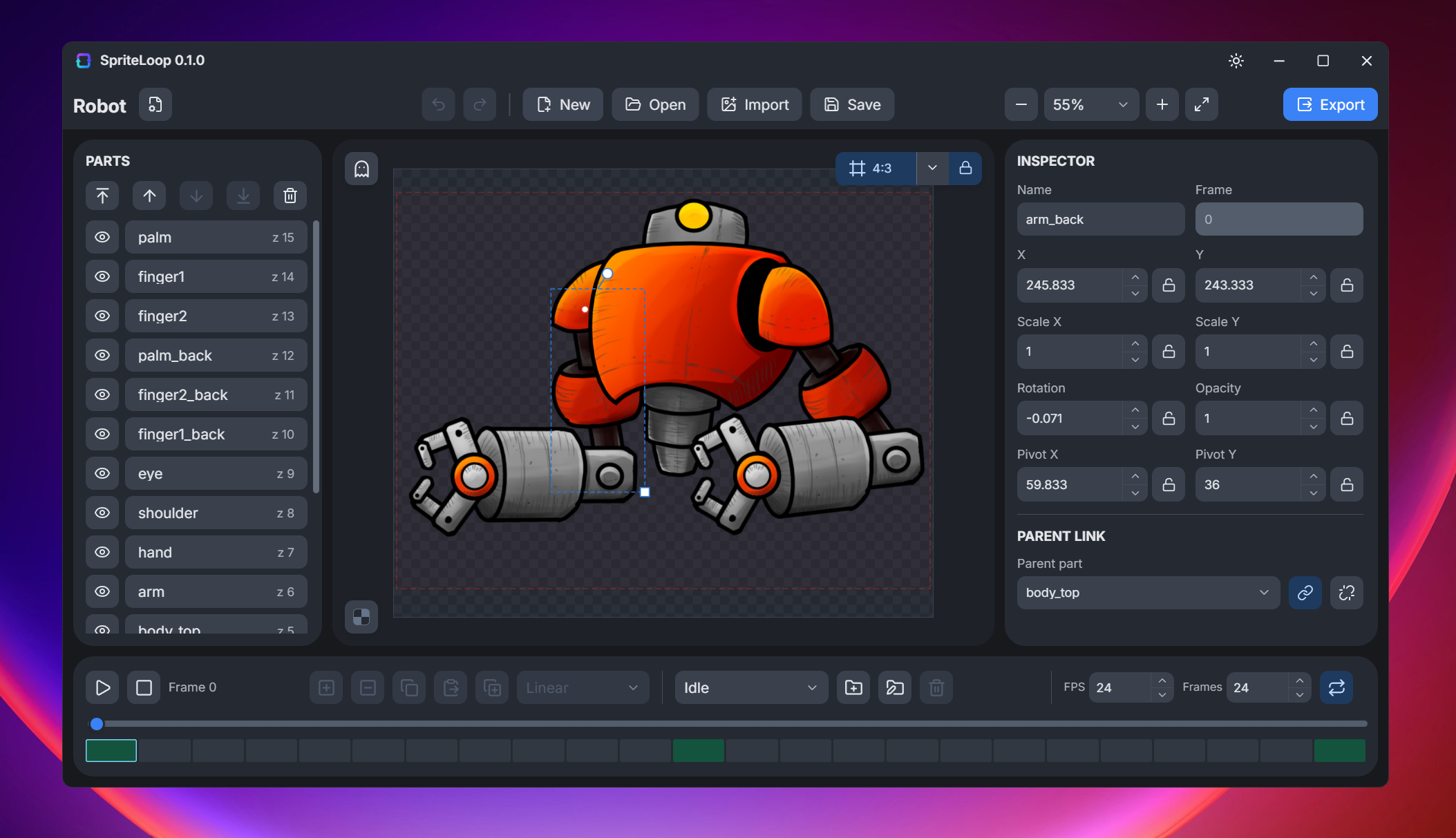
SpriteLoop is a free lightweight 2D cut-out animation tool built for game jams, prototypes, indie games, and fast content creation workflows.
Import PNG parts, build animation rigs, create reusable character variations with skins, preview changes instantly, and export production-ready assets without the complexity of heavyweight animation software.
Whether you're animating characters, props, UI elements, VFX, or modular game assets, SpriteLoop focuses on speed, simplicity, and iteration.
Highlights
- Import PNG parts and turn them into reusable animated characters.
- Import layered artwork directly from Krita and Photoshop using official plugins.
- Create one animation and reuse it across multiple character skins and variants.
- Animate with position, rotation, scale, skew, opacity, pivots, and parent-child hierarchies.
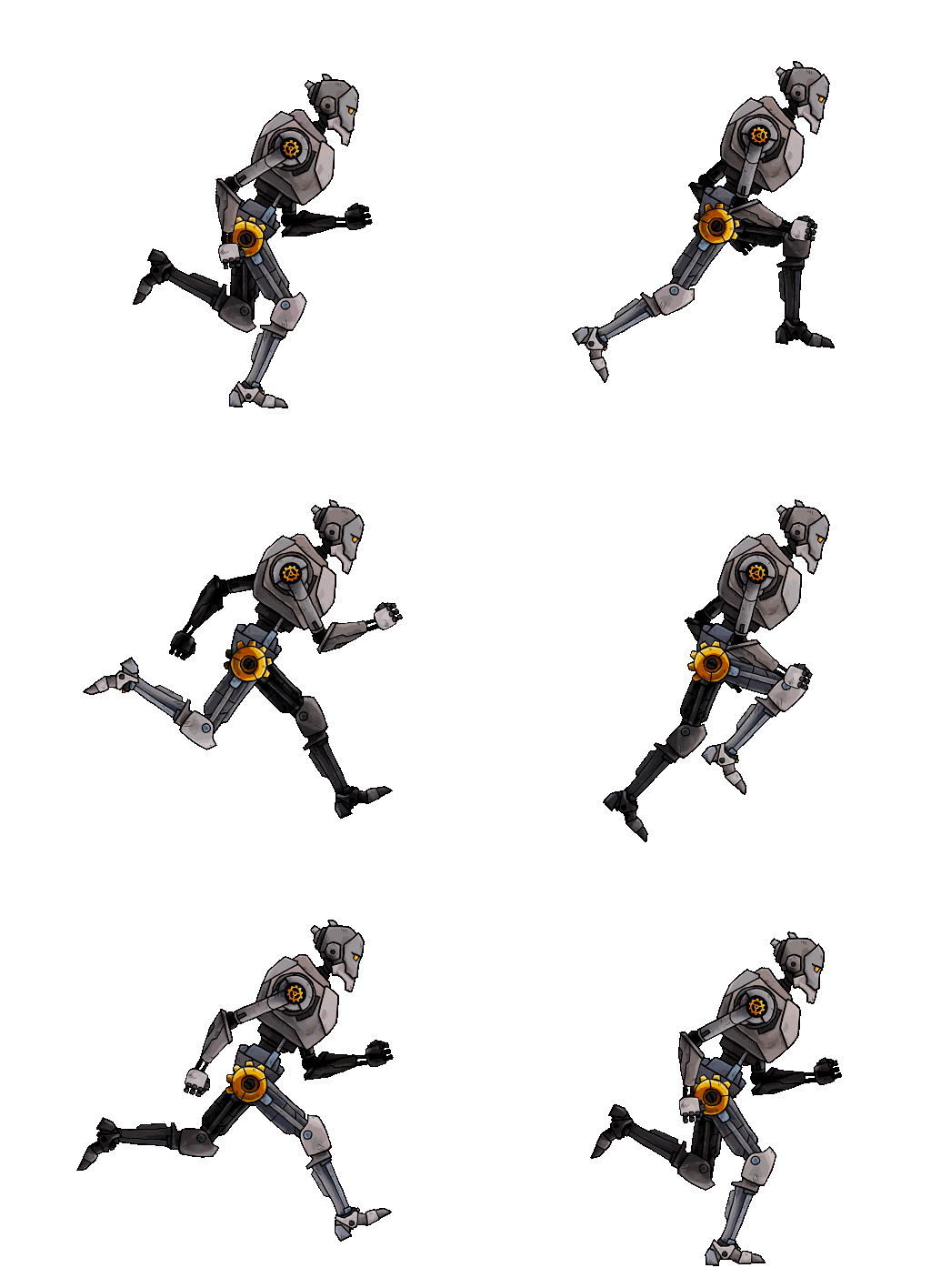
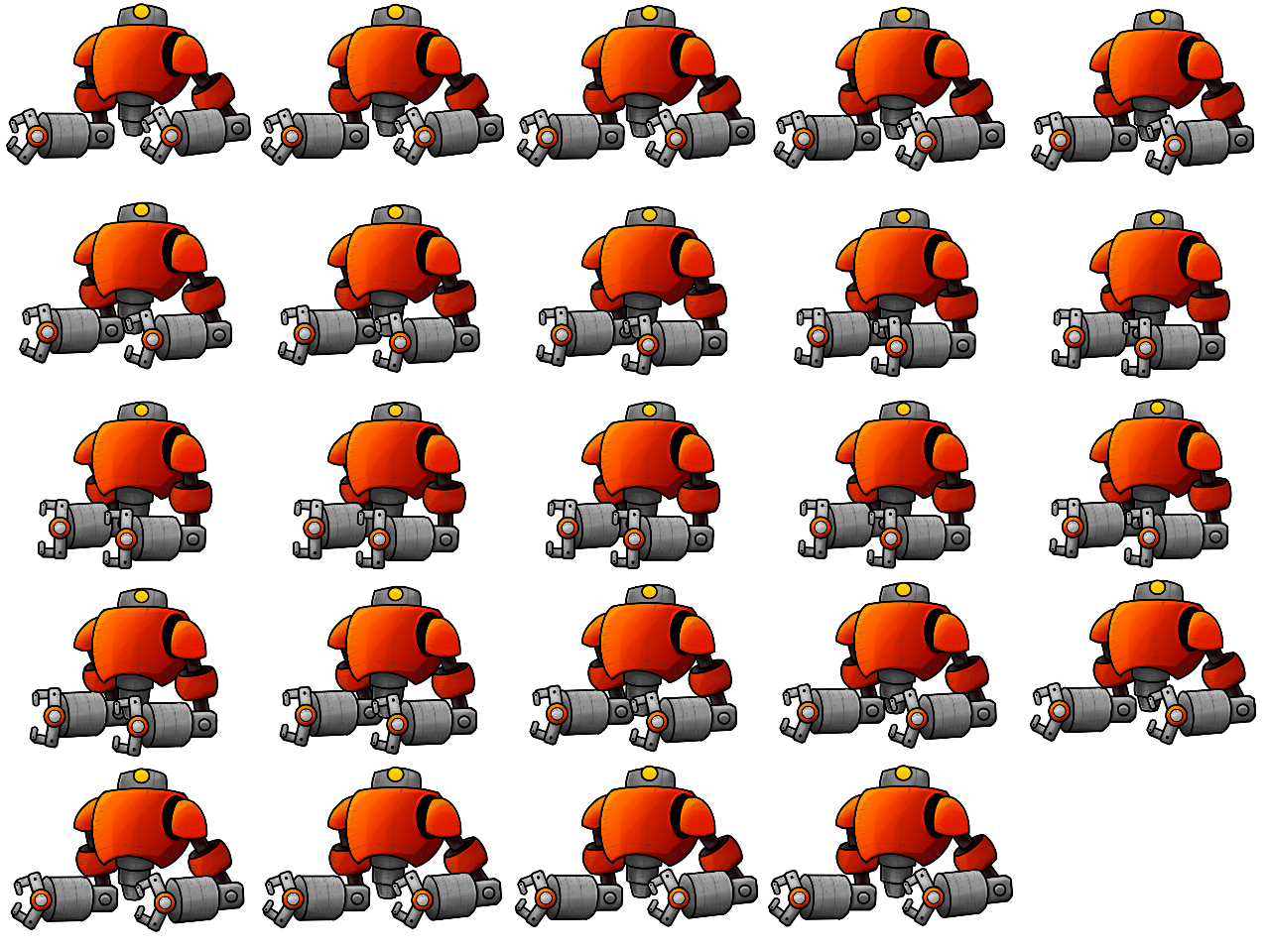
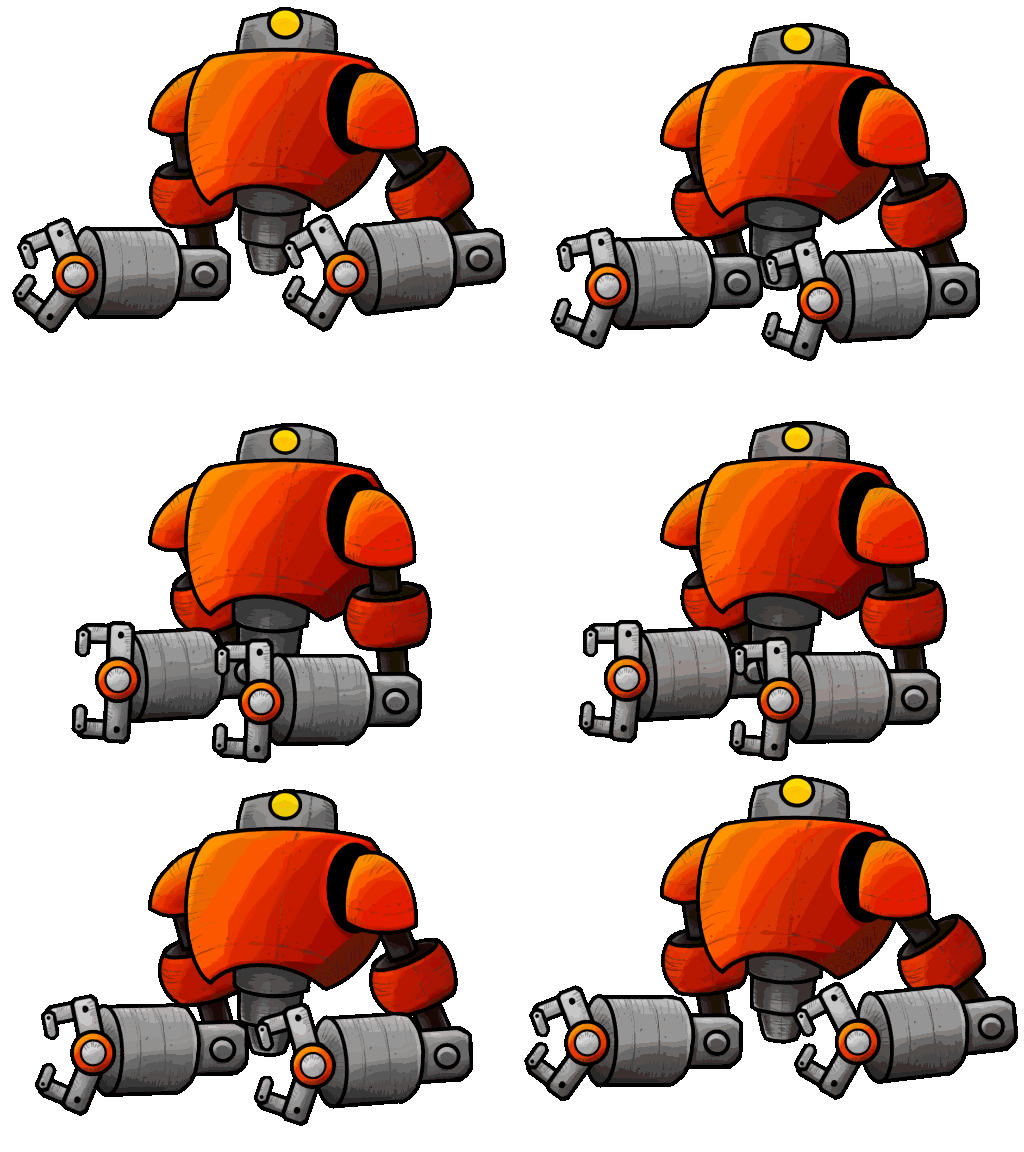
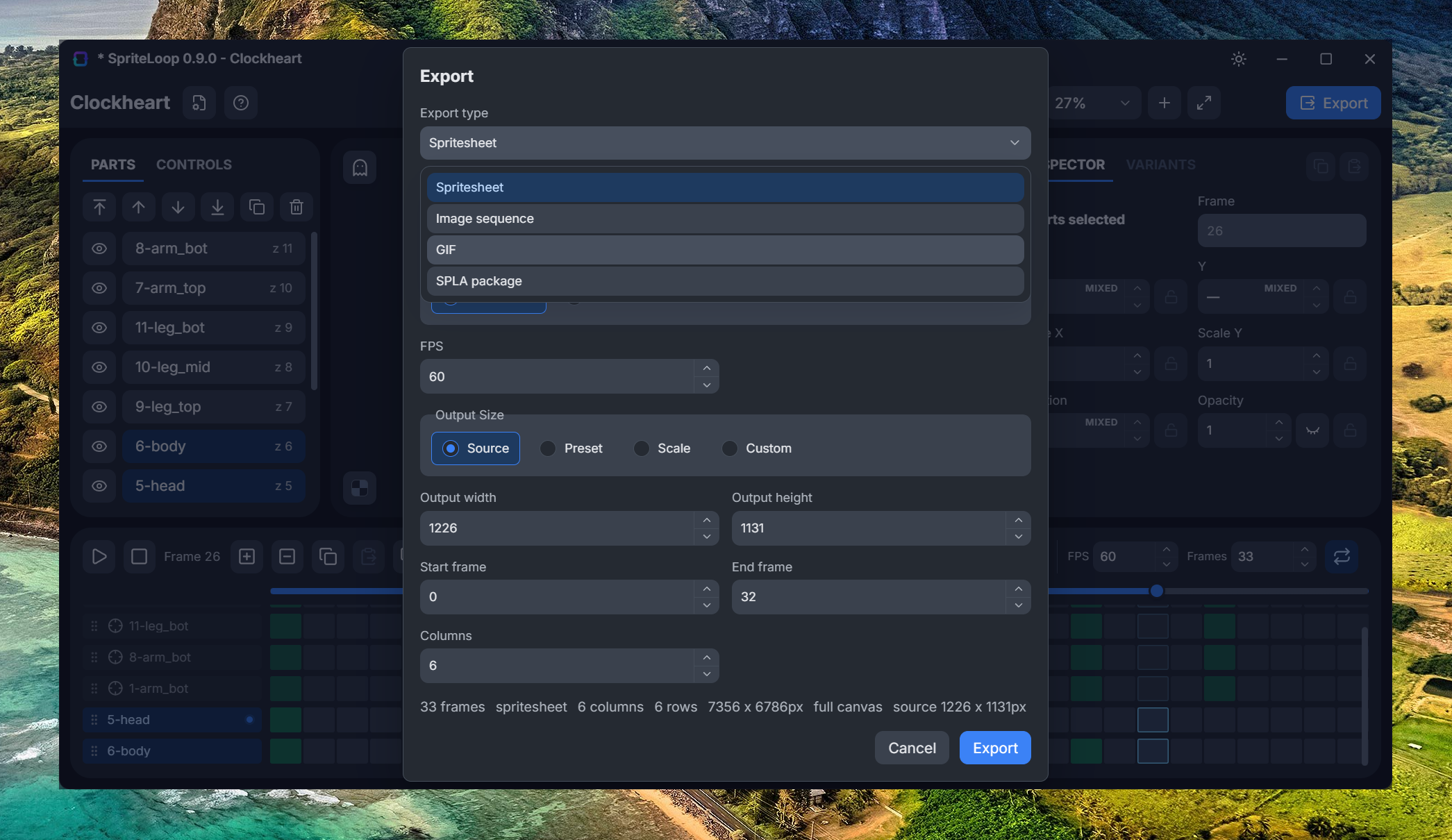
- Export spritesheets, PNG image sequences, GIFs, and animated WebP files.
- Includes a Defold runtime extension with support for animation playback, skin switching, and part variants.
- Free and actively developed.
Features
- Import PNG parts and animate them with position, rotation, scale, skew, opacity, pivots, and parent-child links.
- Import SpriteLoop data packages exported from external tools with preserved part order, positioning, visibility, and opacity.
- Build cut-out animation rigs using hierarchical transforms.
- Inherit position, rotation, scale, and skew through the transform hierarchy.
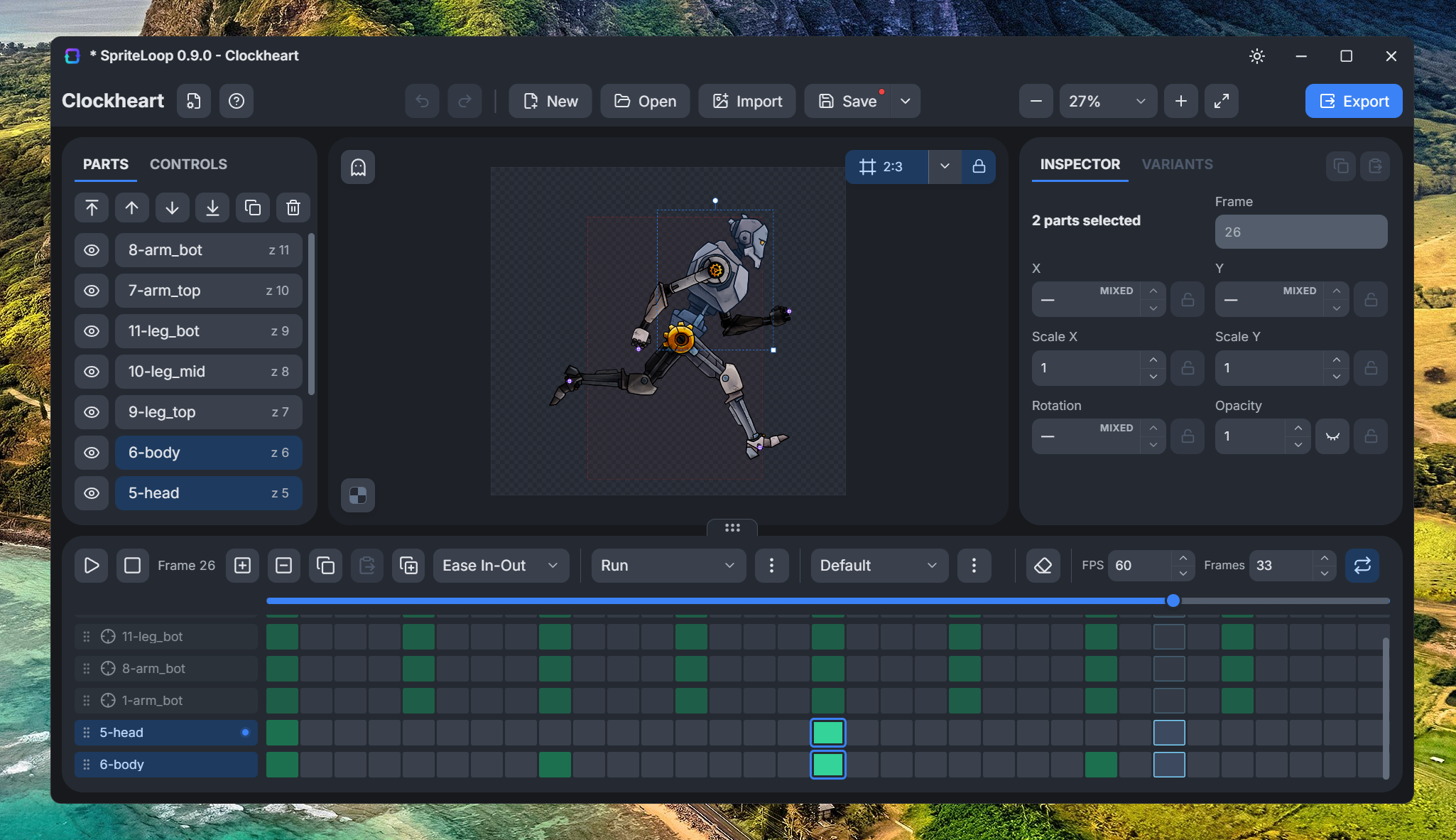
- Create multiple animation clips with custom FPS, frame count, and looping settings.
- Automatic loop interpolation for seamless repeating animations.
- Add, move, copy, paste, duplicate, and edit timeline keyframes.
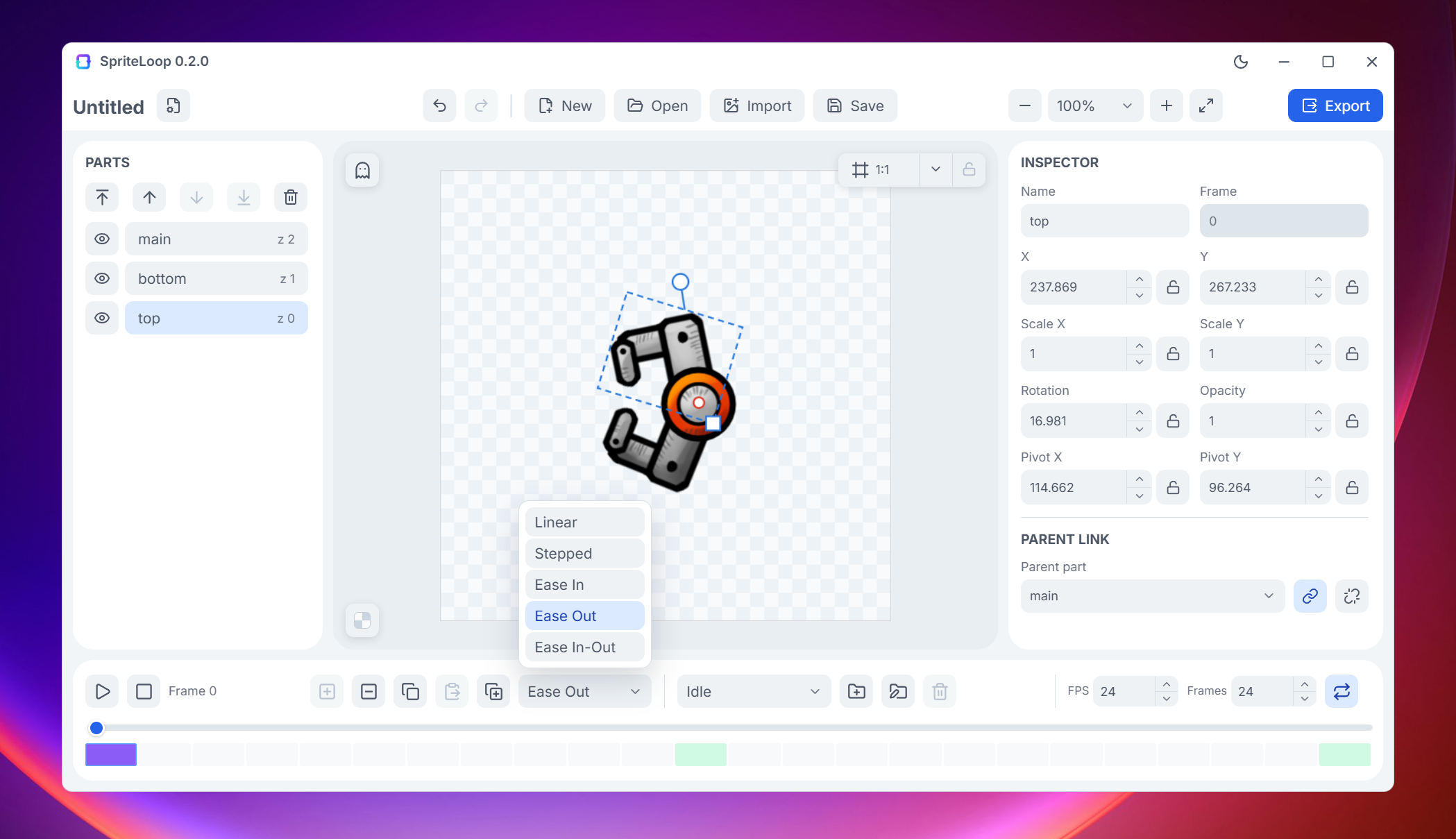
- Choose interpolation per keyframe: Linear, Stepped, Ease In, Ease Out, or Ease In-Out.
- Preview animations with playback controls, zoom, pan, and onion skinning.
- Use skew animation to create simple perspective and isometric-style effects.
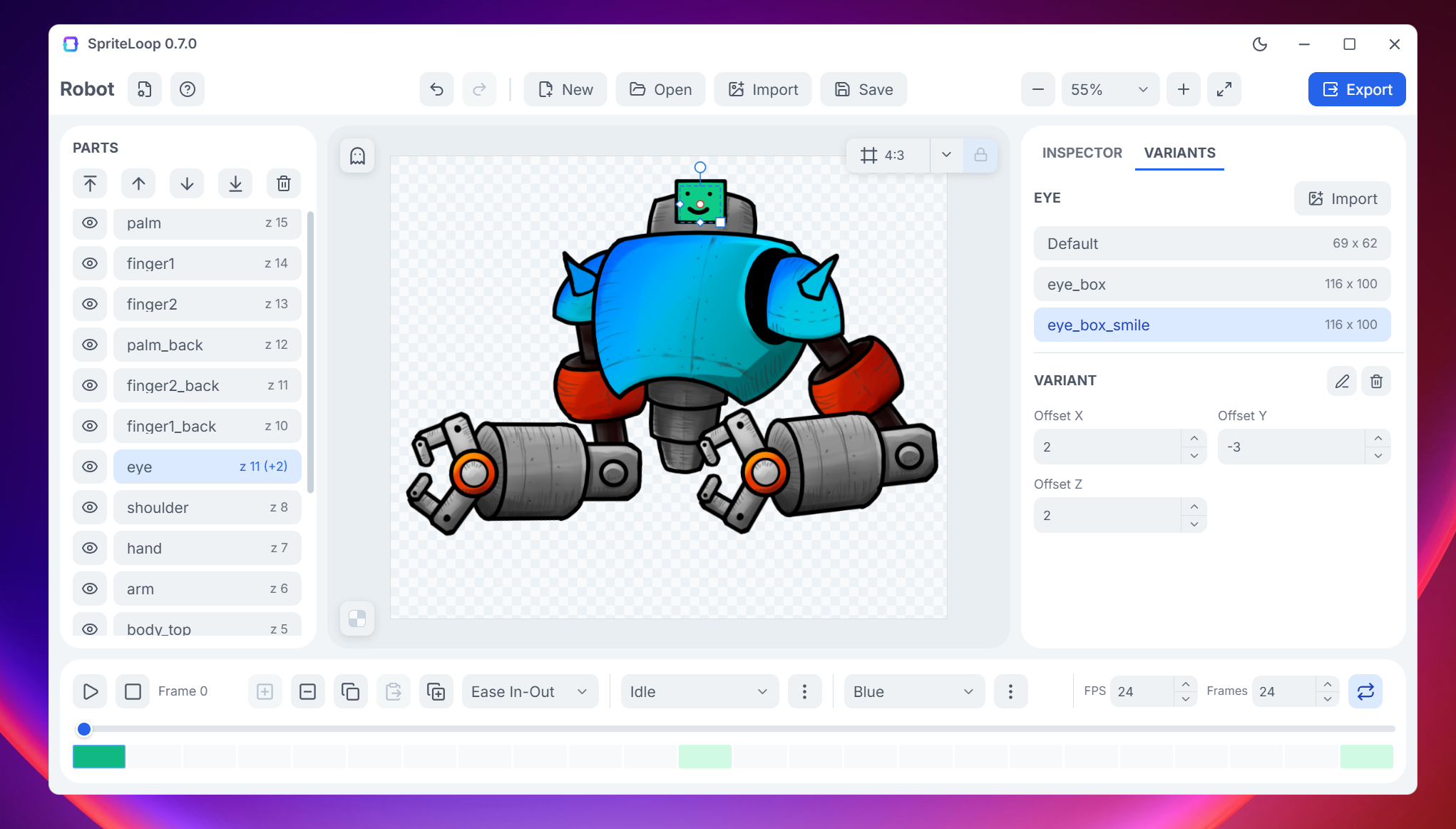
- Create character skins and reusable visual variations without duplicating animations.
- Add part variants to swap hairstyles, clothing, equipment, colors, and other character elements.
- Store part visibility per skin.
- Resize the canvas, set background colors, and use guide frames for export framing.
- Save self-contained .spriteloop project files with embedded PNG assets.
- Export spritesheets, PNG image sequences, GIFs, or animated WebP files.
- Optimized atlas generation with automatic reuse of identical images.
- Includes a Defold runtime extension for playing SpriteLoop animations directly in Defold projects.
- Runtime support for skin switching and part variant swapping in Defold.
- Select a default skin directly from the Defold editor.
External Tool Integration
SpriteLoop supports importing layered artwork from external art tools through official export plugins.
These plugins export your layers/groups as individual PNG images plus a SpriteLoop data package, allowing SpriteLoop to reconstruct your artwork with the correct positions, layer order, visibility, and opacity automatically.
This makes it much faster to bring character rigs, props, UI assets, or VFX from your art workflow into SpriteLoop without manually placing every part.
Available Plugins:
Defold Integration
SpriteLoop includes a dedicated Defold extension that allows animations to be played directly in Defold projects. The extension supports animation playback, skin switching, part variant swapping, and default skin selection, making it suitable for character customization systems and modular animated assets.
You can find the Defold extension on Github:
https://github.com/Balkan-Ram-Games/spriteloop-defold
Status
SpriteLoop is free to use and actively developed.
⚠️ Early Alpha / Active Development
SpriteLoop is currently in early alpha, and the builds are not code-signed yet, so Windows/macOS may show security warnings before launching the app.
Linux packaging was tested on Fedora and Ubuntu, but there may still be distro-specific issues depending on your setup.
If something does not work correctly, please report it in the page comments or on the GitHub issue tracker.
Helpful details include:
- your OS/version
- the build you downloaded
- what you were doing before the issue happened
- screenshots or error messages, if available
GitHub Issues / Discussions: SpriteLoop App Repository
This helps a lot while improving cross-platform support.
Troubleshooting
SpriteLoop does not open on Windows
SpriteLoop is built with Tauri and requires Microsoft WebView2 Runtime on Windows to run.
Most Windows 10/11 systems already have WebView2 installed, but in some cases it may be missing or corrupted. If SpriteLoop does not start, try installing or repairing WebView2 Runtime, then launch the app again.
On macOS and Linux, SpriteLoop uses the system webview provided by the operating system, so this issue mainly affects Windows.
Download
Click download now to get access to the following files:
Development log
- SpriteLoop 0.12.0 - Color, Variant State & Empty Parts5 days ago
- SpriteLoop 0.11.0 - Start screen, and Import Data16 days ago
- SpriteLoop 0.10.0 - Events, Source Reloading, and Better Rig Editing22 days ago
- SpriteLoop 0.9.0 - Dopesheet27 days ago
- SpriteLoop 0.8.0 - Smart Limbs31 days ago
- SpriteLoop 0.7.0 - Skins and Variants35 days ago
- SpriteLoop 0.6.0 - Skew & Transform Inheritance45 days ago
- SpriteLoop 0.5.0 - New Export & Defold Runtime Extension56 days ago
Comments
Log in with itch.io to leave a comment.
This is fantastic. I was considering stretching my budget to get the Spine Essential version, but this looks so much better. Thanks.
Thank you! That means a lot.
I wouldn’t compare SpriteLoop to Spine just yet 😄 Spine is a much more advanced tool. But for animations that don’t require mesh deformation (jelly-like stuff), SpriteLoop already gets the job done quite nicely.
It’s still very much a work in progress, and I still have plenty of features in mind.
Hi I am testing your tool and this is really great! I think this page is missing the actual link to the Defold extension.. no?
Thanks! I updated the page.